
Download Far Manager – file manager, text-based interface, productivity tool, system administrator, plugin support, FTP functionality, command line, developer tool, file operations, registry editing, printer management
Overview
Far Manager is a specialized productivity tool designed for users who prioritize efficiency and control in file management. Built for the Windows platform, it operates through a text-based interface, offering a streamlined alternative to traditional graphical file managers. This design choice eliminates visual clutter, allowing users to focus on tasks without distractions. The app is particularly well-suited for system administrators, developers, and advanced users who rely on rapid file manipulation and command-line workflows. By leveraging text commands and keyboard-driven navigation, Far Manager enables swift execution of file operations such as copying, renaming, and moving files across directories.
The application addresses the need for a lightweight yet powerful file management solution that doesn’t compromise on functionality. Its ability to integrate with external tools and extend its capabilities through plugins makes it highly adaptable across different workflows. Whether managing local files or accessing remote servers via FTP, Far Manager provides a consistent and reliable environment. Real-world use cases include organizing project files, configuring system settings through registry editing, and managing print queues—tasks that are often cumbersome in standard file explorers. The developer, Far Group, has positioned Far Manager as a utility for power users seeking precision and speed in their daily operations.
Within the broader ecosystem of Windows productivity tools, Far Manager fills a niche for those who value performance over aesthetics. While modern operating systems come with built-in file managers, Far Manager offers a deeper level of customization and control. Its long-standing presence in the developer community speaks to its reliability and enduring relevance. The app continues to serve as a trusted companion for users who demand more than what standard interfaces can deliver.
Key Features & Functionality
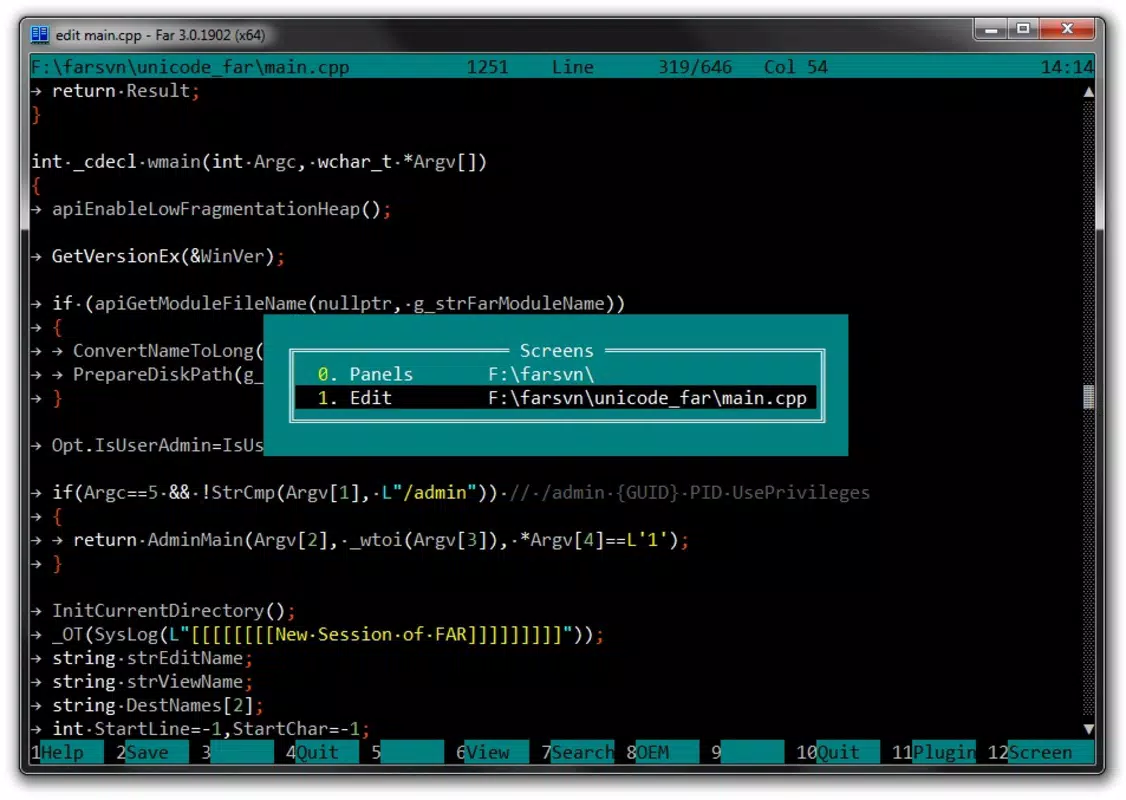
- Text-Based Interface: Far Manager operates entirely through a text-based interface, enabling fast navigation and file manipulation using keyboard shortcuts. This interface is ideal for users comfortable with command-line environments, reducing reliance on mouse interactions and minimizing task-switching.
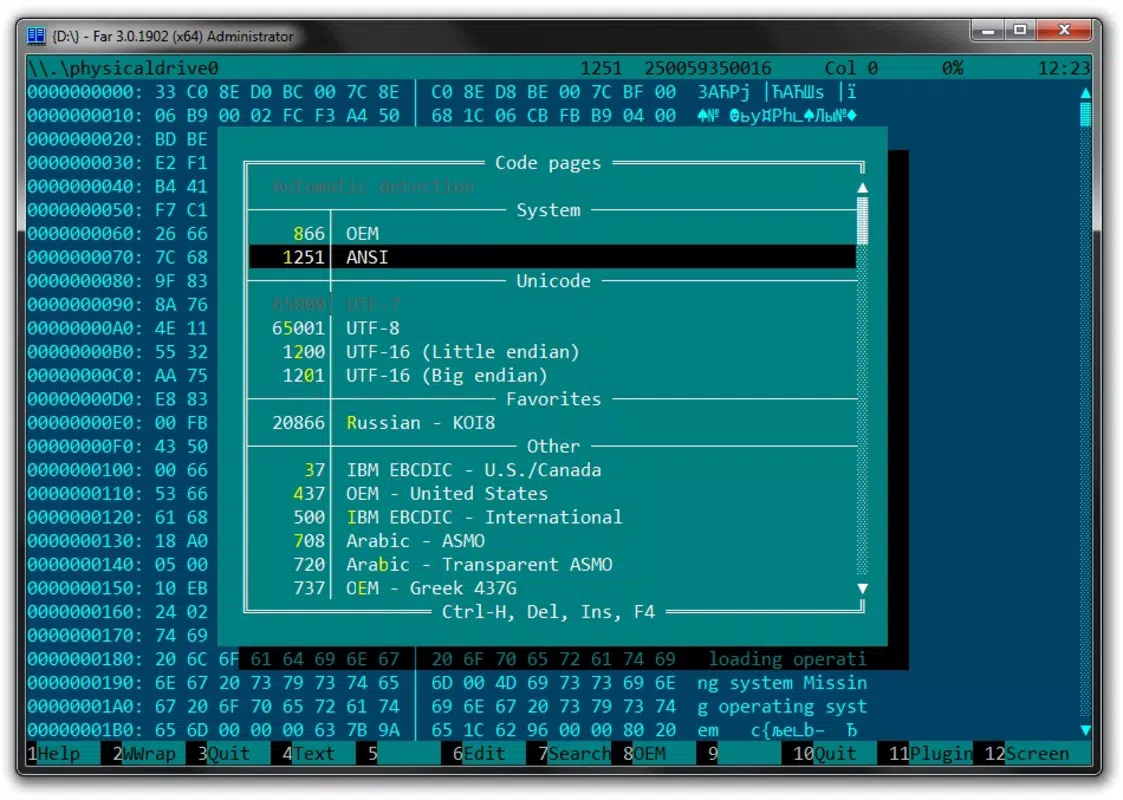
- Plugin Support: The app supports a range of plugins that expand its functionality beyond basic file operations. Users can integrate syntax highlighting for code files, regular expression search tools, and custom command scripts, enhancing its utility for developers and system administrators.
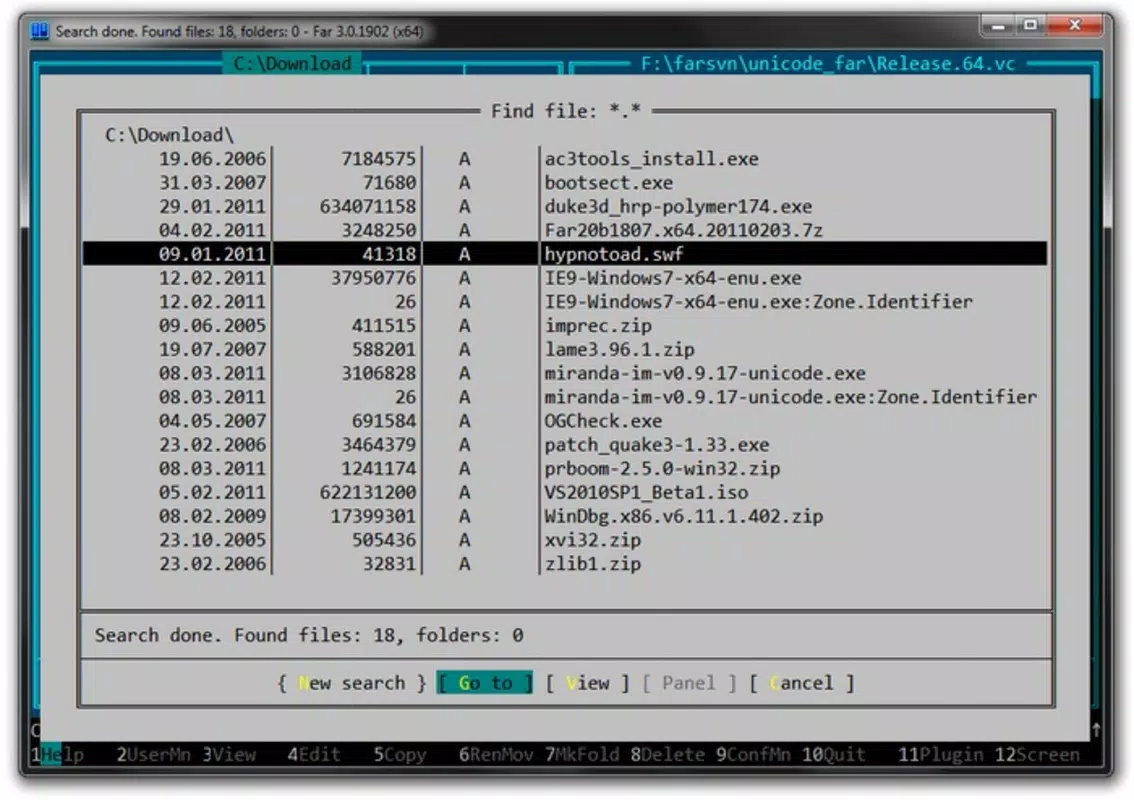
- File Operations: Core file management tasks—copying, renaming, moving, and deleting—are executed quickly and efficiently. The interface provides visual feedback and confirmation prompts, ensuring accuracy during high-volume operations.
- System Administration Tools: Built-in utilities allow users to edit the Windows registry, manage printer queues, and configure system settings directly within the application. This integration reduces the need to switch between multiple tools during system maintenance.
- FTP Functionality: Far Manager includes native support for FTP connections, enabling users to upload, download, and organize files on remote servers. This feature is especially valuable for web developers managing website content or system administrators overseeing remote systems.
These features are not merely listed—they are designed to work in concert. For example, a developer can use the text interface to navigate a project directory, apply a plugin for syntax highlighting, and then upload updated files via FTP—all without leaving the environment. This seamless workflow enhances productivity and minimizes context switching.
Interface, UX & Performance
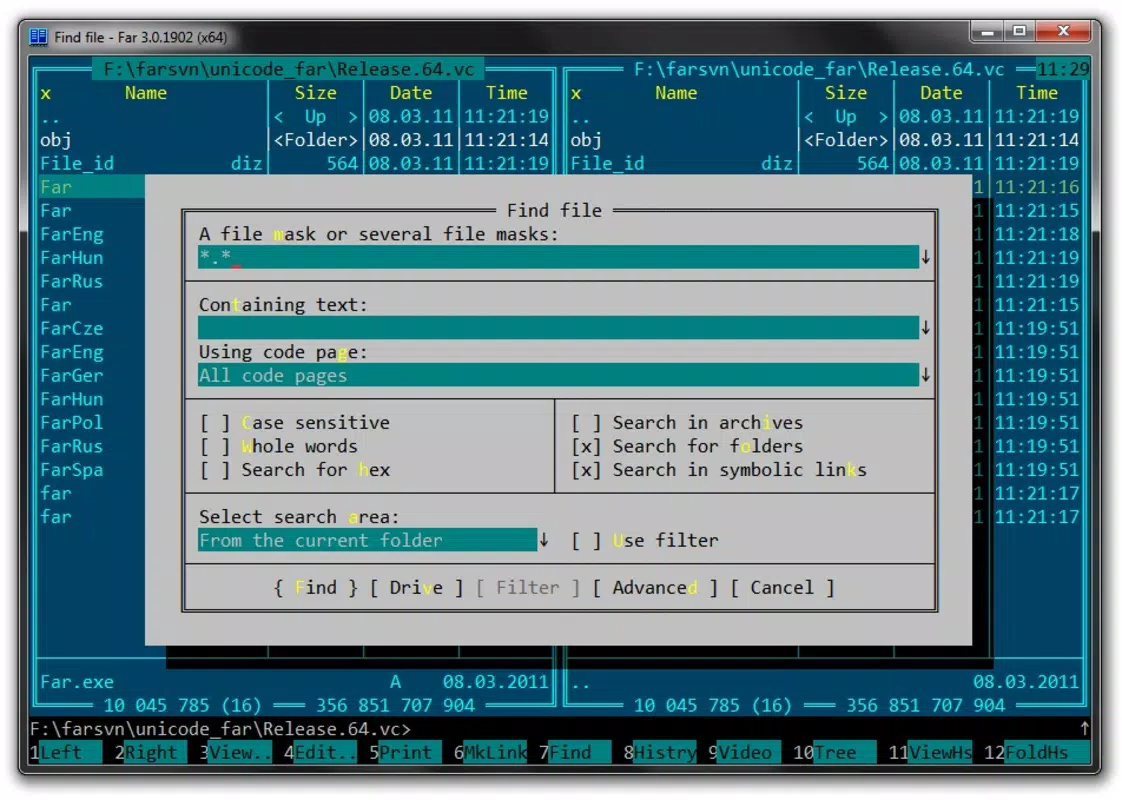
Far Manager’s interface is rooted in simplicity and efficiency. It uses a dual-pane layout with clear visual separation between directories, allowing users to compare and transfer files side by side. Navigation is driven primarily by keyboard commands, which reduces dependency on mouse input and accelerates task execution. The layout is consistent across sessions, minimizing cognitive load for returning users.
The visual style is minimalistic, focusing on readability and functionality rather than graphical embellishments. Text colors and highlighting are used strategically to denote file types, permissions, and status indicators. While the interface may appear dated to casual users, it is highly effective for its target audience. The navigation flow is linear and predictable, with context-sensitive menus and command prompts that guide users through complex operations.
Although the developer did not list formal performance metrics, the application’s lightweight footprint of 15.2 MB suggests optimized resource usage. It runs efficiently on a wide range of Windows systems, including older hardware. Responsiveness is maintained even during bulk file operations, and stability is reported to be high in long-term usage. The app maintains consistent performance across different device categories, from desktops to low-spec machines.
Platform Compatibility & Technical Requirements
Far Manager is designed exclusively for the Windows platform and is compatible with modern Windows operating systems. The current version is 3.0.5723.0, released on March 3, 2025. The application has a file size of 15.2 MB, making it a lightweight download that installs quickly and consumes minimal disk space.
The developer did not specify minimum OS requirements or compatibility details for older Windows versions. However, given its long-standing presence and reliance on core Windows system libraries, it is likely compatible with Windows 7 and later. Users should ensure their system meets the general requirements for running Windows applications. No additional runtime dependencies were listed in the provided information.
Pros and Cons
- Lightweight and fast, ideal for performance-focused users
- Text-based interface reduces distractions and enhances workflow speed
- Extensive plugin support for customization and advanced functionality
- Native FTP support for remote file management
- Integrated system administration tools like registry and printer management
- Steeper learning curve for users unfamiliar with command-line interfaces
- Minimal visual feedback may be challenging for beginners
- No official mobile or cross-platform version available
- Interface may appear outdated to modern users
- Limited support for touch-based navigation
FAQ
Is Far Manager safe to download and use?
Yes, Far Manager is a legitimate software tool developed by Far Group. It is distributed through official channels and does not contain malware or unwanted components.
Can I use Far Manager on mobile devices?
Far Manager is currently designed only for the Windows platform. There is no official version available for Android or iOS devices.
How do I update Far Manager?
Updates are released by the developer through the official website. Users should visit the Far Manager download page to check for the latest version and install it manually.
Does Far Manager support custom scripting?
Yes, Far Manager supports scripting through plugins and external tools. Users can extend its functionality using custom scripts, particularly those written in batch, PowerShell, or other compatible languages.
Is Far Manager free to use?
Yes, Far Manager is available at no cost. The current version is priced at $0.00, making it accessible to all users without licensing fees.
Final Thoughts + CTA
Far Manager stands out as a powerful, no-frills file management solution tailored for advanced users who value speed, control, and customization. Its text-based interface, combined with robust plugin support and built-in system administration tools, makes it an indispensable utility for developers, system administrators, and power users. While the learning curve may deter casual users, those who master its workflow will experience significant gains in productivity.
For anyone managing complex file systems, working with remote servers via FTP, or requiring direct access to system-level functions, Far Manager delivers a reliable and efficient environment. Its lightweight design and free availability further enhance its appeal. In a world where many tools prioritize visual appeal over performance, Far Manager remains a testament to the enduring value of simplicity and functionality.
Download Far Manager now


